
FreeformEvaluate Function in Wolfram Mathematica
Mathematica has supported free-form linguistic input for years, but the function FreeformEvaluate introduced in ver 14.1 makes that capability more functional for developers.
FreeformEvaluate basically accepts a natural language expression or query and returns the corresponding answer.
Let us look at some examples.
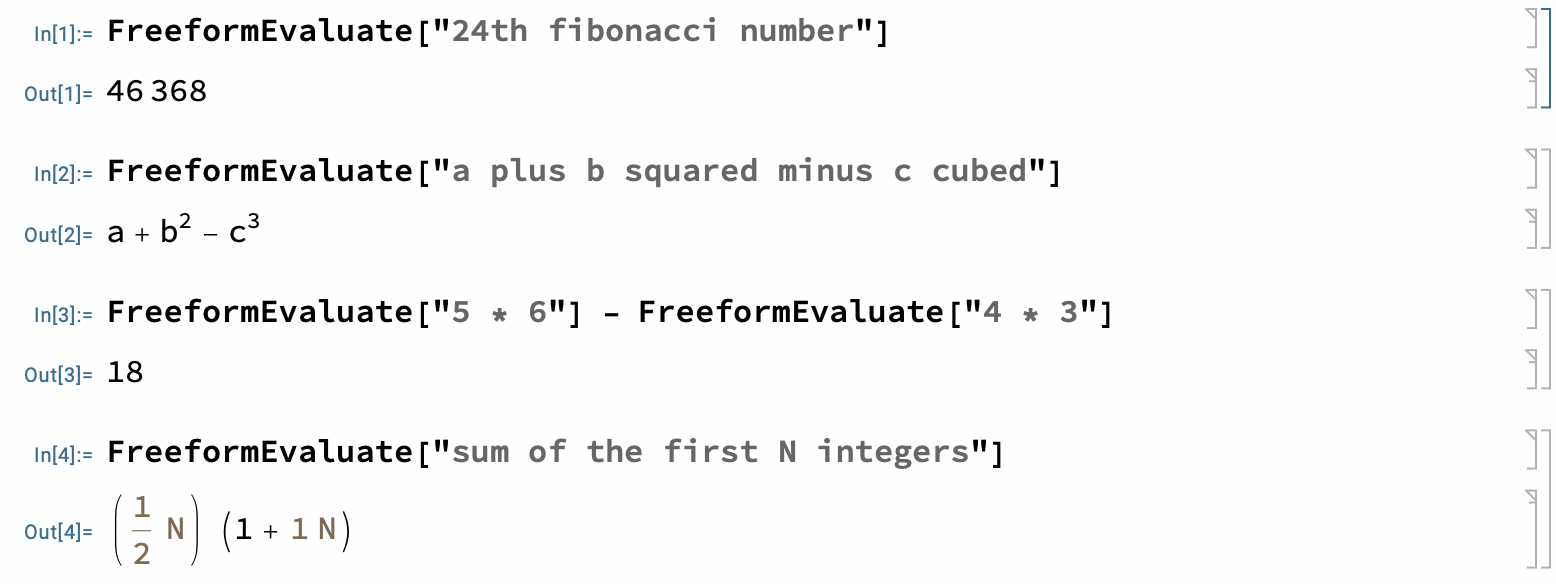
Instead of computing the 24th Fibonacci number by writing an explicit formula in Mathematica, we pass on the natural language expression for the request and FreeformEvaluate computes the result for us. Convenient, isn’t it?
In the second instance, it generates the correct formula for the given input. The third shows that we can write a compound expression involving two (or more) FreeformEvaluate calls since each is an expression that returns an answer.
What about evaluating formulas as part of the natural language input? That is also possible. See the following examples.
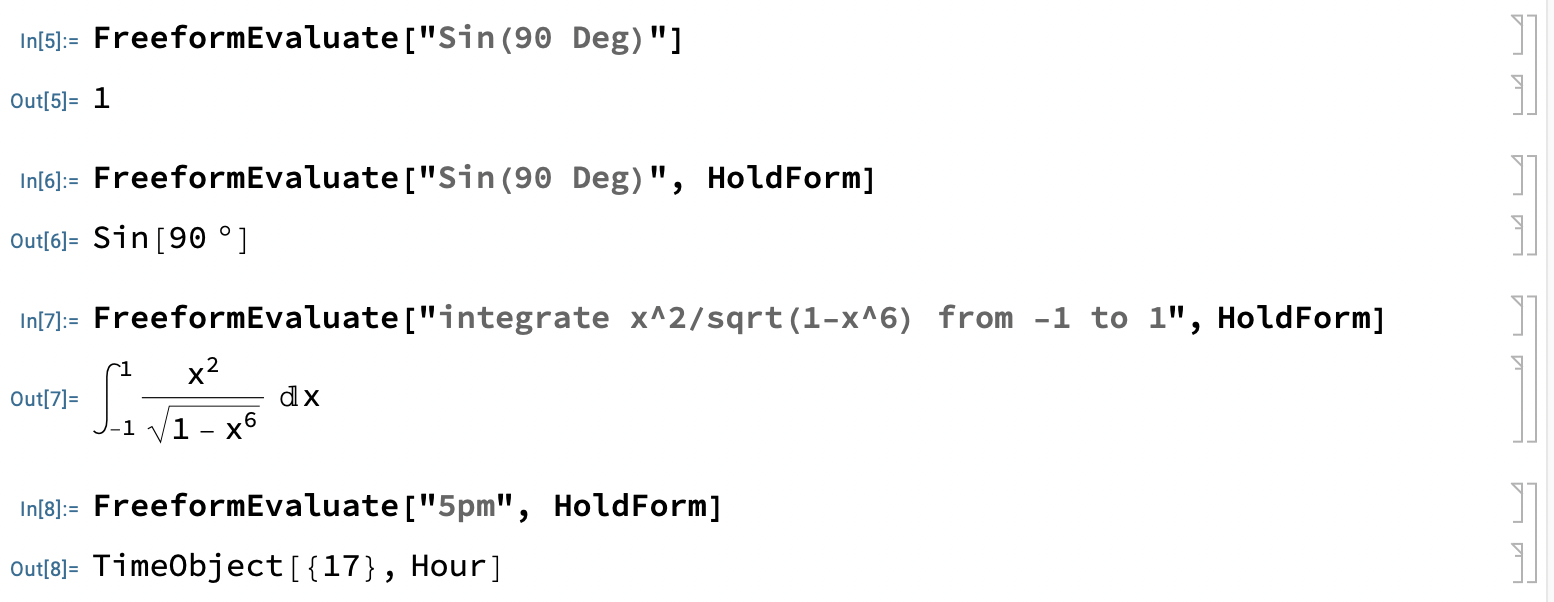
In the first example, we are computing Sine(90 deg). The second example uses an extra argument HoldForm. This forces Mathematica to convert the input to a Mathematica expression but stops short of evaluating that expression.
The third example returns a properly formatted Mathematica expression for the given input. This is convenient because we don’t have to remember the exact syntax.
The last example returns a TimeObject since “5 pm” represents Time.
What about some general queries that have nothing to do with Maths for formulas? Sure, that is taken care of too!
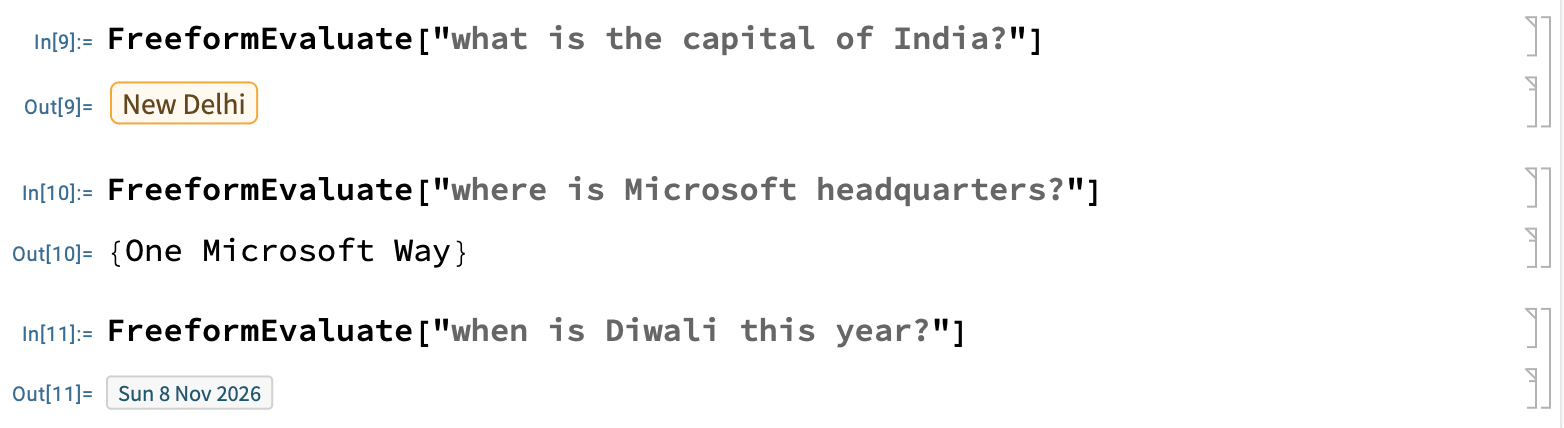
The above examples are general knowledge queries and FreeformEvaluate handles them correctly.
As an extension of the above, let me ask for an image of Mahatma Gandhi:
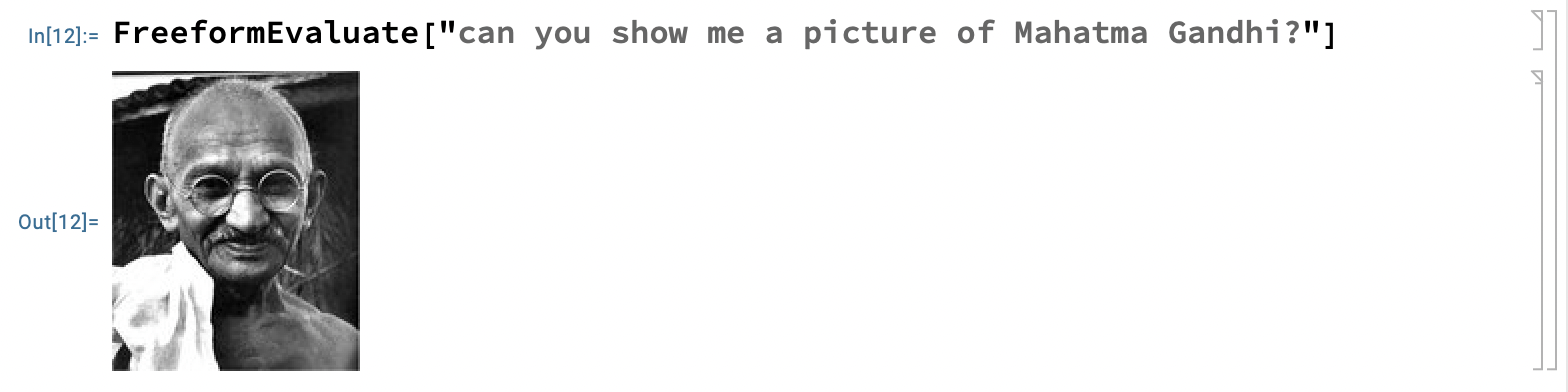
Good! That is a nice image.
The examples so far show the diverse capabilities of FreeformEvaluate. Does it mean it can handle every question we can think of? I don’t think so. I get an error at least in one case:

I guess such limitations can be expected, but hopefully FreeformEvaluate satisfies most requirements.
Let me ask for the map of a country – in this case Srilanka:
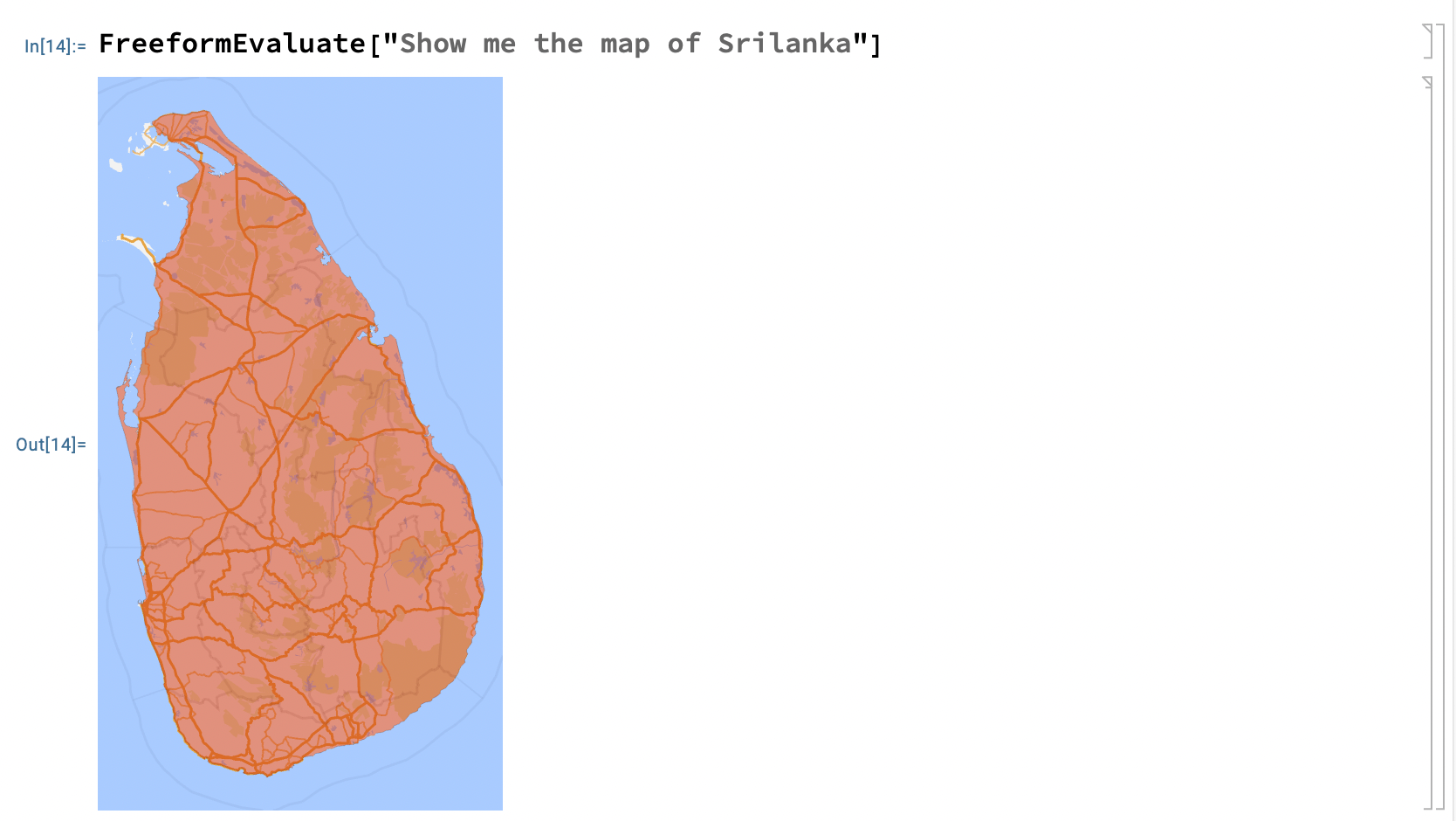
Looks good to me!
Since FreeformEvaluate can be used as an expression, we can even use it in function arguments. In our final example, I am making a call to AstroGraphics function. This function is very useful for rendering a 2D view of celestial sphere.
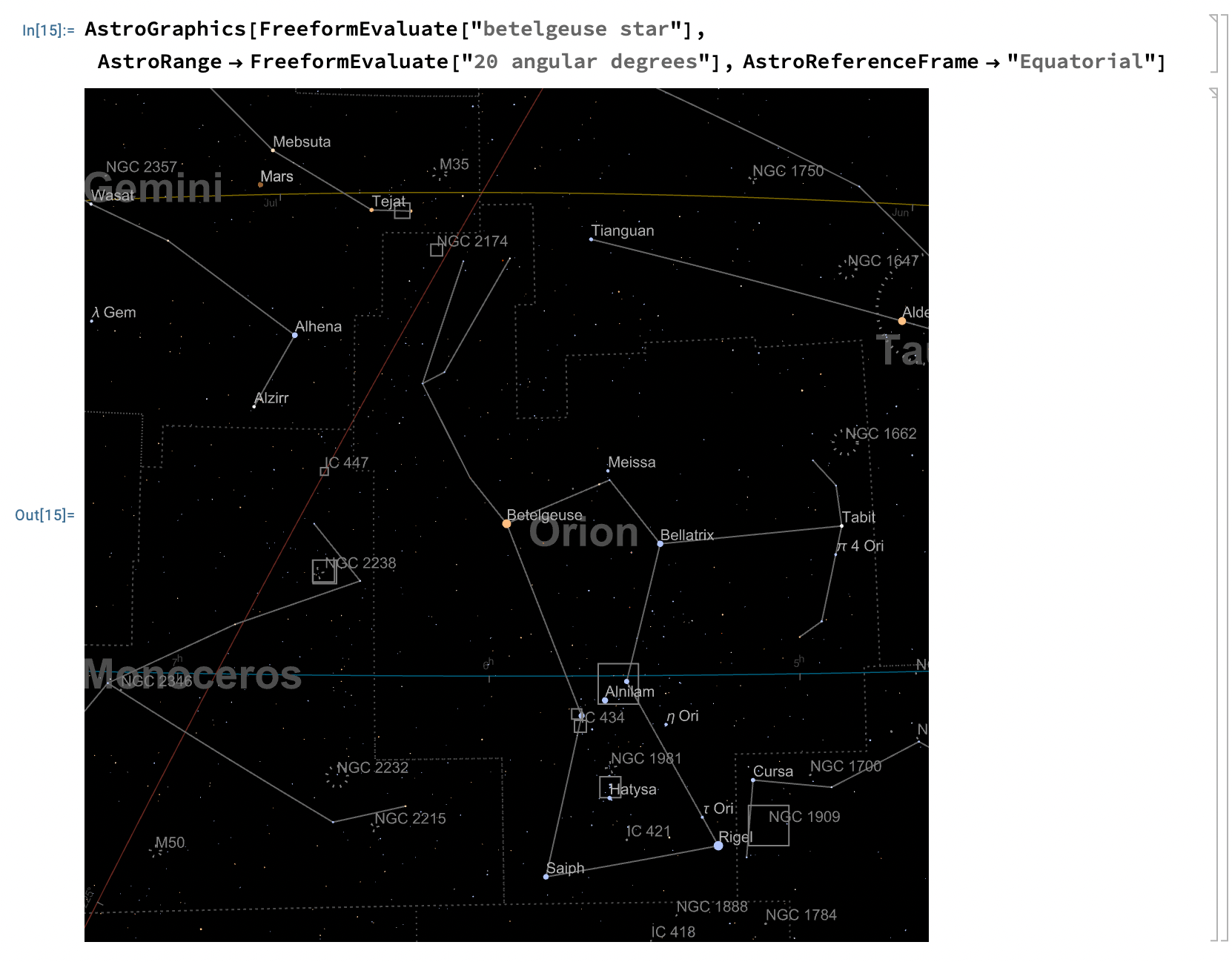
Notice that the first two arguments use FreeformEvaluate. Mathematica evaluates these correctly and passes the result to the respective argument.
In summary, FreeformEvaluate is a very useful function that acts as an NLP layer on top of the actual Mathematica function.
You can download the Notebook here.
Have a great weekend!
For years I treated Mathematica’s free-form input as a party trick, something for demos, and then a function like FreeformEvaluate shows up and quietly makes it a first-class citizen you can call from code. The distinction matters more than it seems: free-form input through the notebook is interactive and forgiving, while FreeformEvaluate lets a script reach out in plain English mid-computation, which is both powerful and slightly terrifying if you care about reproducibility. My instinct is to use it for exploratory work and never inside anything I need to run twice with identical results. Does the returned expression always parse back into proper Wolfram Language, or can the interpreter hand back something surprising? Either way, thanks for shining a light on an underused corner.